Profit & Loss Audit Tool & Rules Editor
A complete auditing framework for validating Profit & Loss statements with speed, consistency and transparency.
Overview
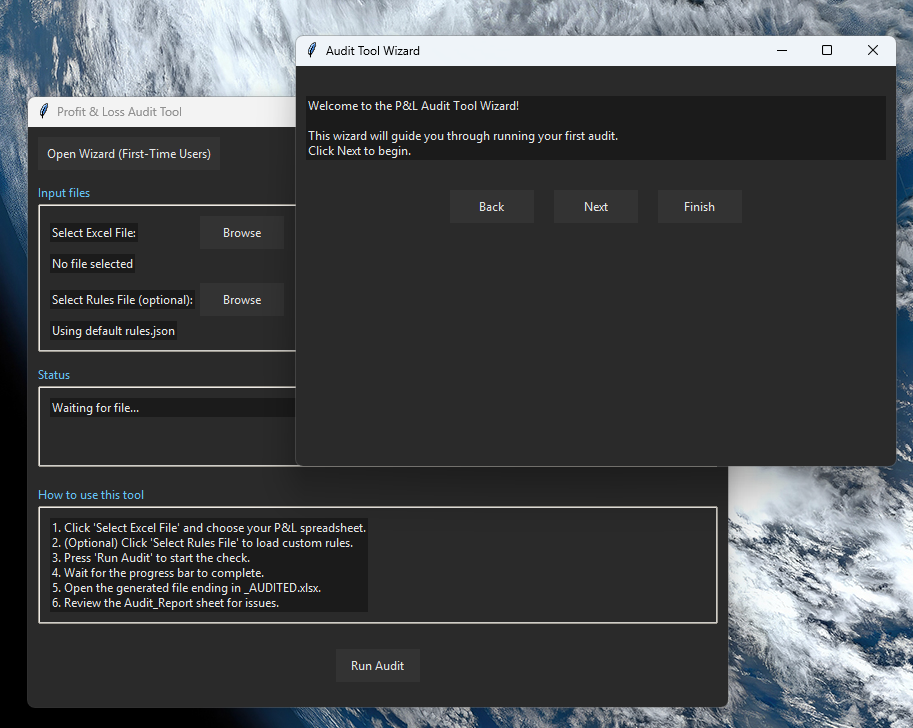
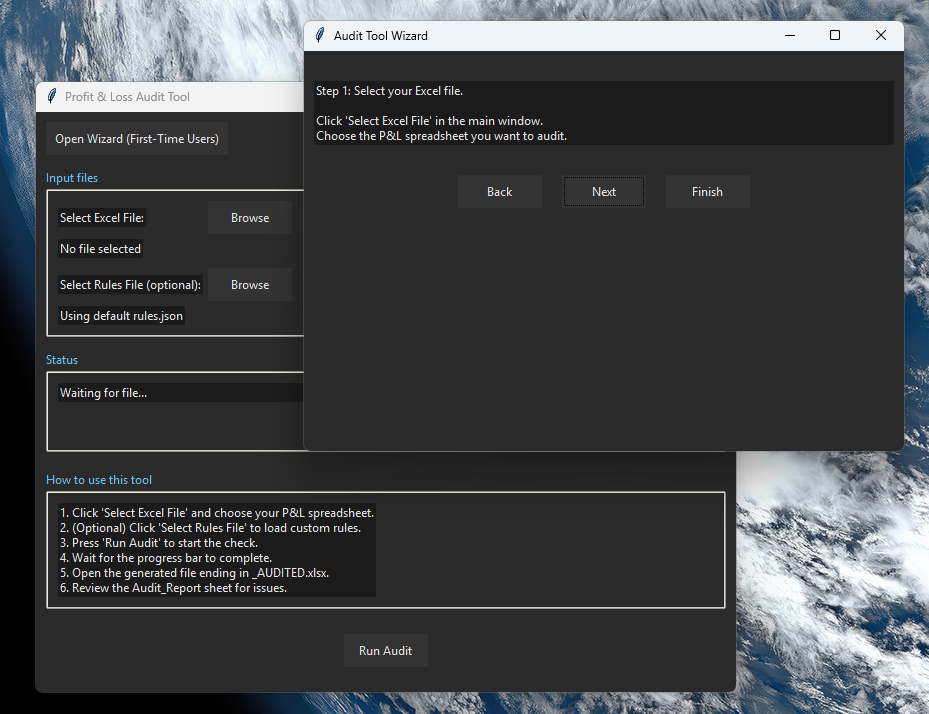
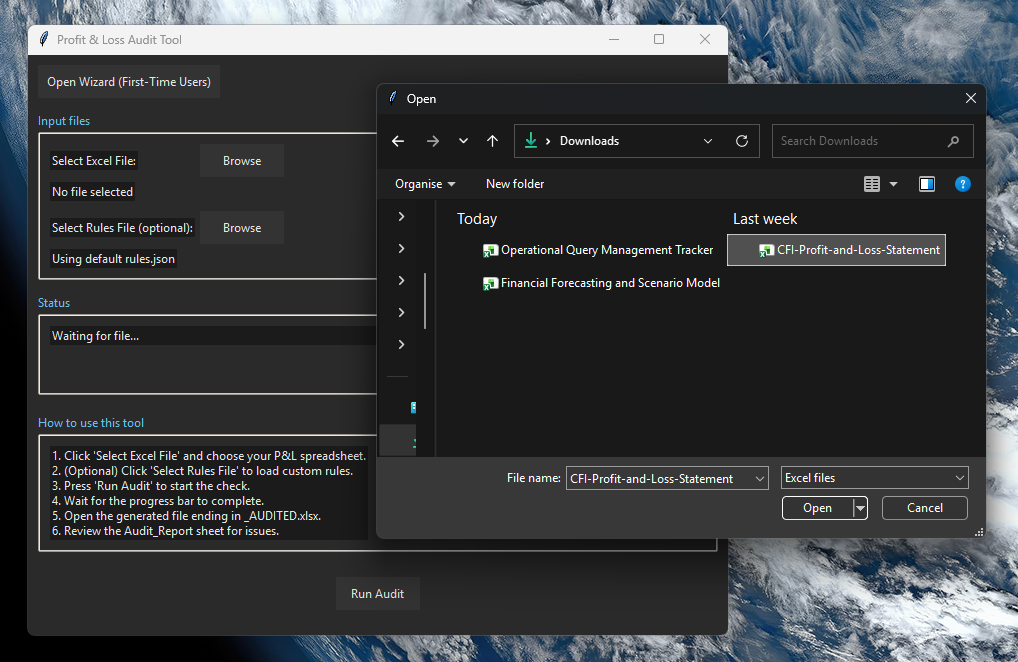
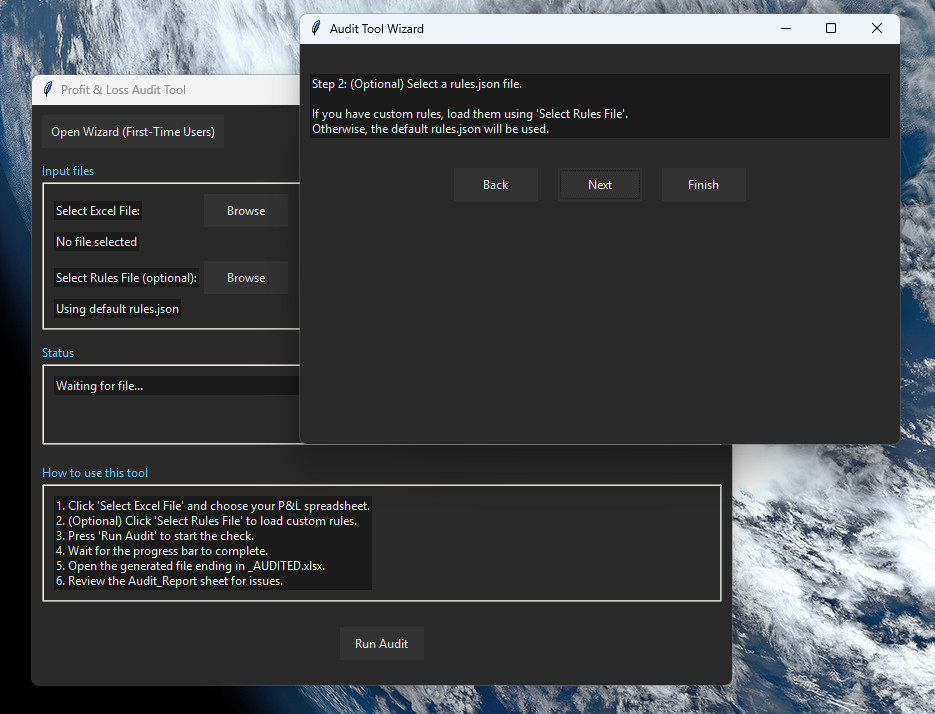
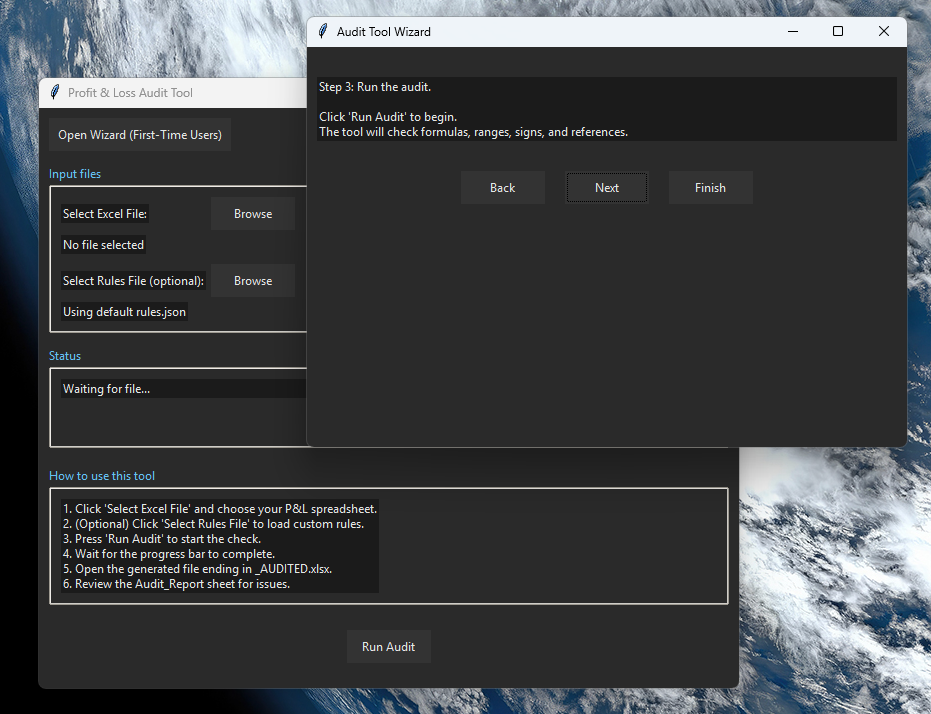
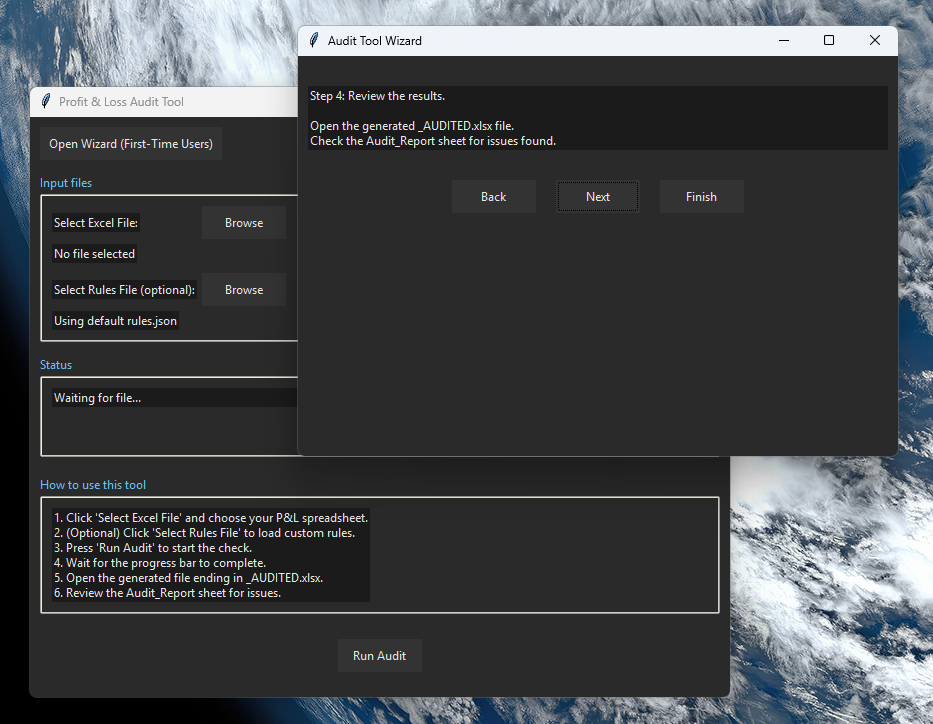
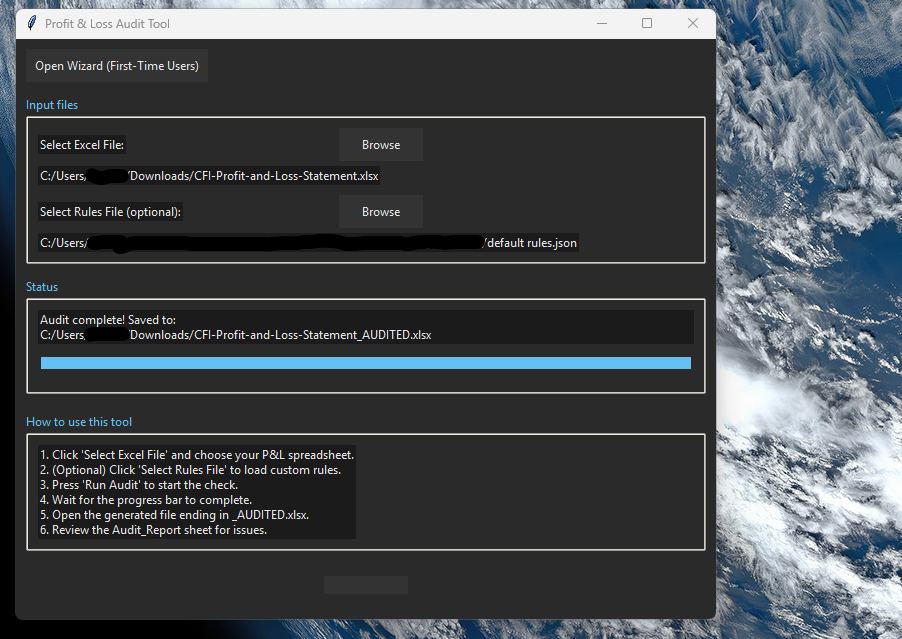
The Profit & Loss Audit Tool and its companion Rules Editor form a complete financial-audit framework designed to validate Profit & Loss statements with speed, consistency and transparency. Both applications are standalone Windows executables built with a modern dark-theme UI design.
What the Tools Do
- Automatically audit Profit & Loss spreadsheets for structural, numerical and logical inconsistencies
- Apply a configurable rule engine defined in
rules.json - Highlight incorrect formulas, broken references, unexpected signs, out-of-range values and duplicated or missing line items
- Generate a fully annotated Excel workbook ending in
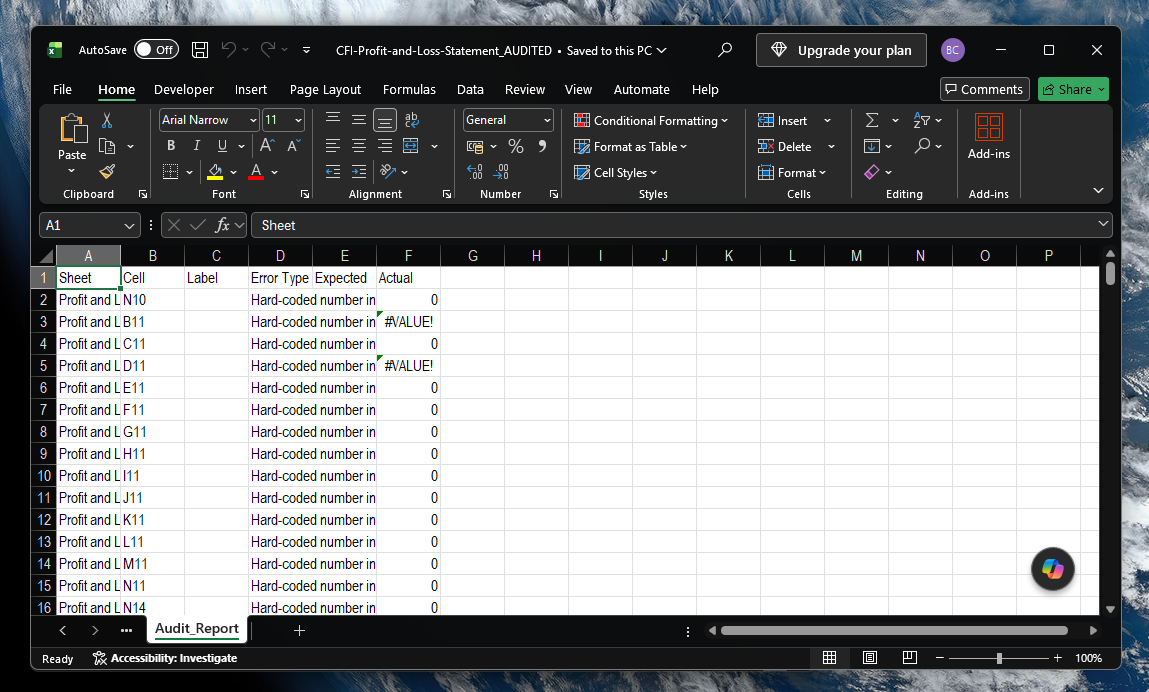
_AUDITED.xlsx - Produce a dedicated Audit_Report sheet summarising all findings
- Provide a user-friendly interface for editing rule definitions without touching raw JSON
How the Audit Tool Works
The tool loads and interprets .xlsx files using a robust data-processing pipeline built with Python 3.11,
Pandas, OpenPyXL and NumPy. During ingestion, the tool normalises labels, trims whitespace, resolves merged cells and
maps sheet structures into internal data models.
Rules are defined in a structured JSON format and evaluated using type rules, range rules, sign rules, formula rules and structural rules. The audit engine checks formulas, references, expected ranges, signs and missing or duplicated items.
Once complete, the tool generates a new workbook with highlighted issues, colour-coded flags, comments describing each issue and a dedicated Audit_Report sheet summarising totals, categories, sheet-level summaries and rule-level diagnostics.
How the Rules Editor Works
The Rules Editor provides a structured interface for editing the JSON rule file that powers the audit engine. Users can load existing rules, navigate sheets and line items, edit fields such as label, type, range mode, expected range and sign, and save individual items or the full ruleset. Built using Python and PySide6 (Qt), the editor includes a custom dark-theme UI and a wizard explaining how rule files work.
UK Tax Calculator (v1.0 - 26/27)
A comprehensive UK tax modelling tool covering Income Tax, Capital Gains Tax, Share Gains and Portfolio Mode with FIFO/LIFO/HIFO support.
Overview
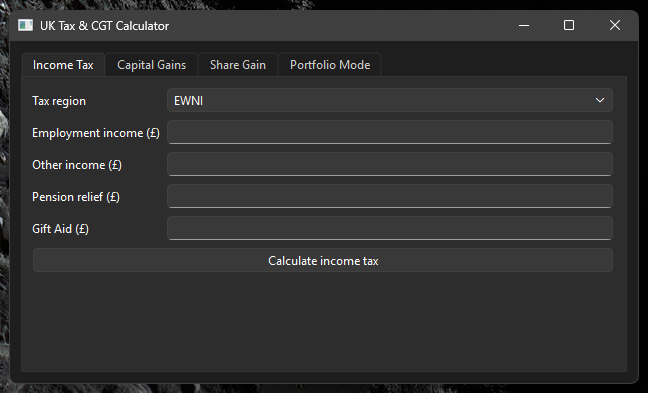
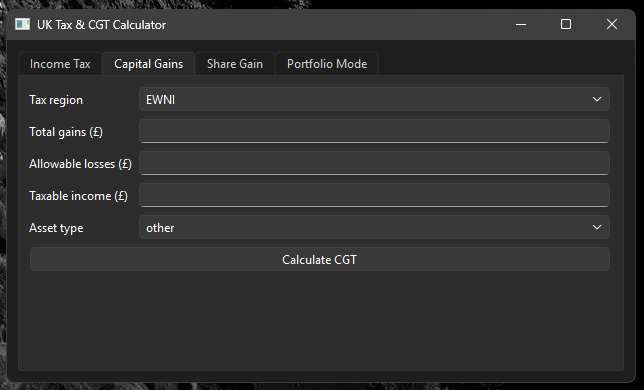
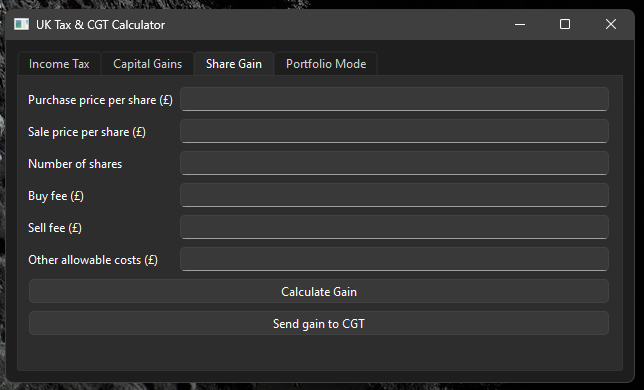
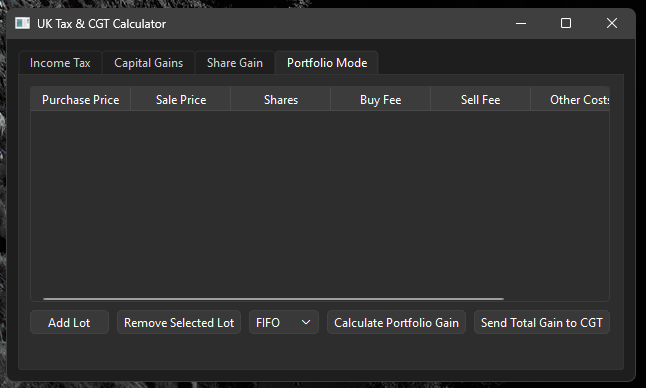
The UK Tax Calculator is a standalone Windows application built with Python and PySide6, designed to provide accurate and transparent tax modelling across multiple domains. It supports both EWNI and Scottish tax systems, full CGT banding logic, share gain calculations and multi‑lot portfolio analysis.
What the Tool Does
- Calculates UK Income Tax for EWNI and Scotland with full personal allowance tapering
- Computes Capital Gains Tax with correct basic‑rate band interaction
- Performs detailed share gain calculations including fees, SDRT and other costs
- Provides a Portfolio Mode with FIFO, LIFO and HIFO disposal methods
- Generates per‑lot breakdowns and total portfolio gain
- Allows seamless transfer of gains between modules for full tax modelling
How the Calculator Works
The calculator is powered by a modular Python backend, with dedicated engines for Income Tax, Capital Gains Tax, Share Gains and Portfolio Mode. Each module is built with clear, maintainable logic and follows HMRC rules for banding, allowances and thresholds.
The UI is built using PySide6 (Qt), providing a clean, modern interface with tab‑based navigation, structured input forms and real‑time calculation output. The application is packaged as a Windows executable using PyInstaller and distributed via GitHub Releases.